Complete Loans, SACCO and Savings Groups Software
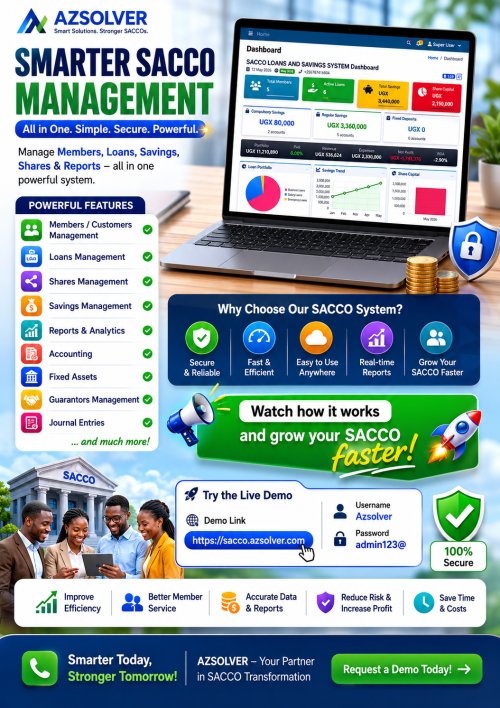
A powerful Loans, SACCO, and Savings Groups management software that automates lending, savings, reporting, and member management for microfinance institutions.



Complete Loans, SACCO and Savings Groups Software: Features, Benefits & Pricing
GET THE DEMO HERE: DEMO
VIDEO DEMO: VIDEO DEMO
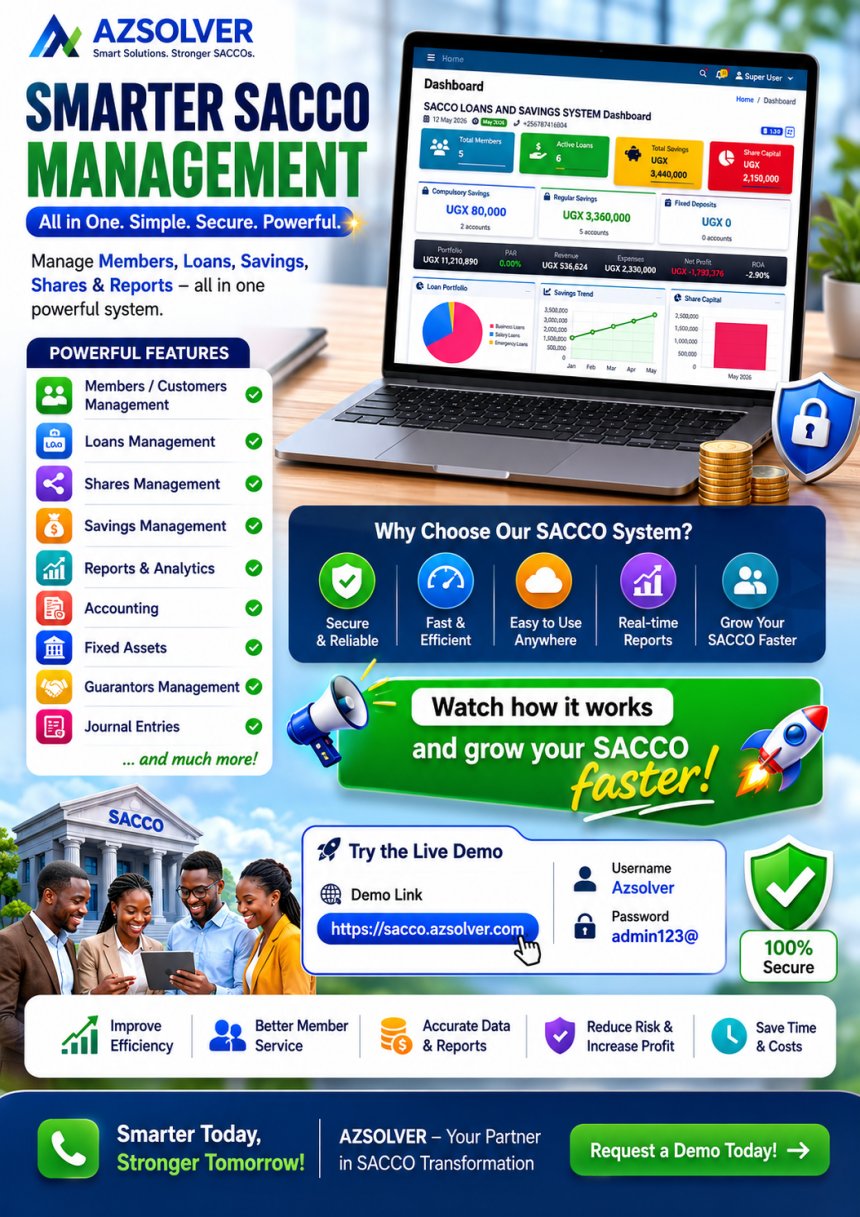
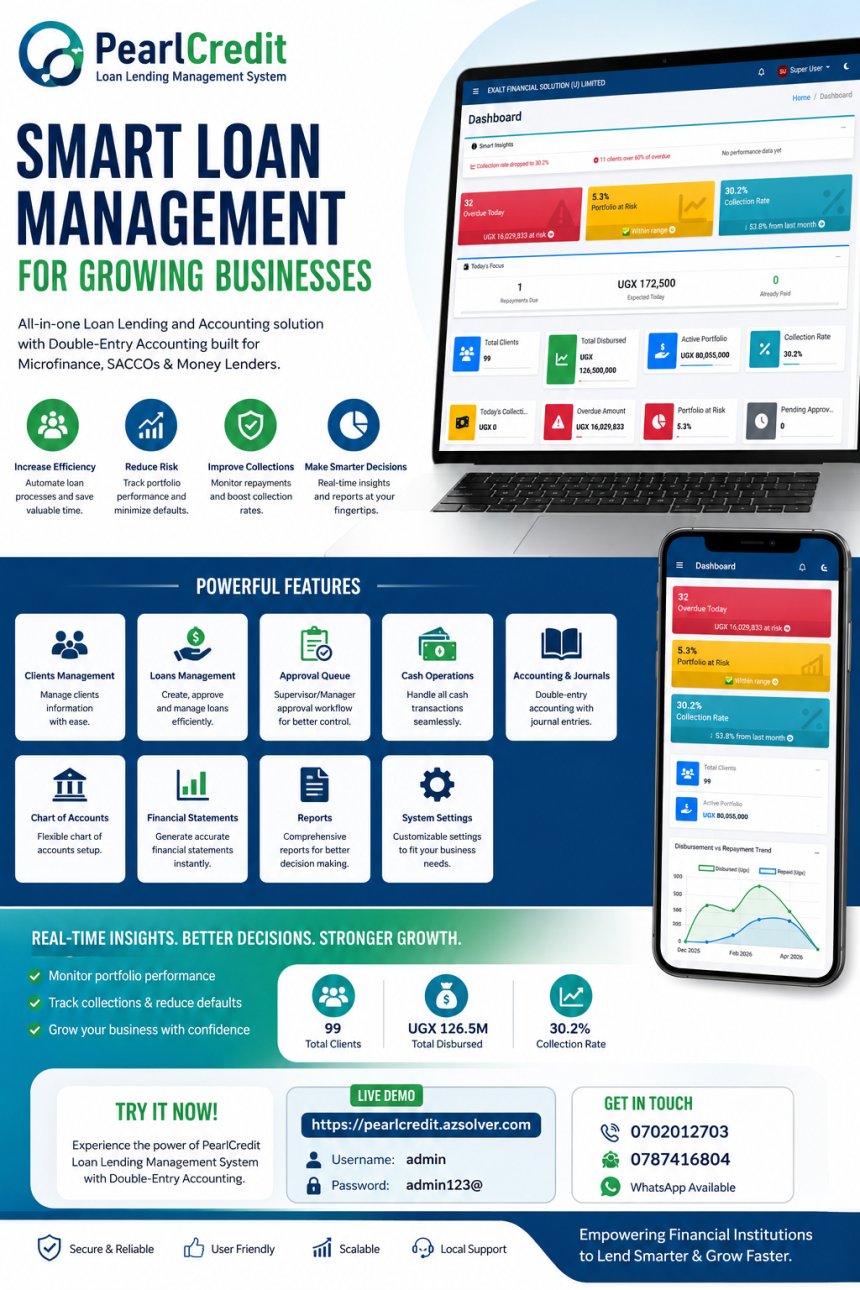
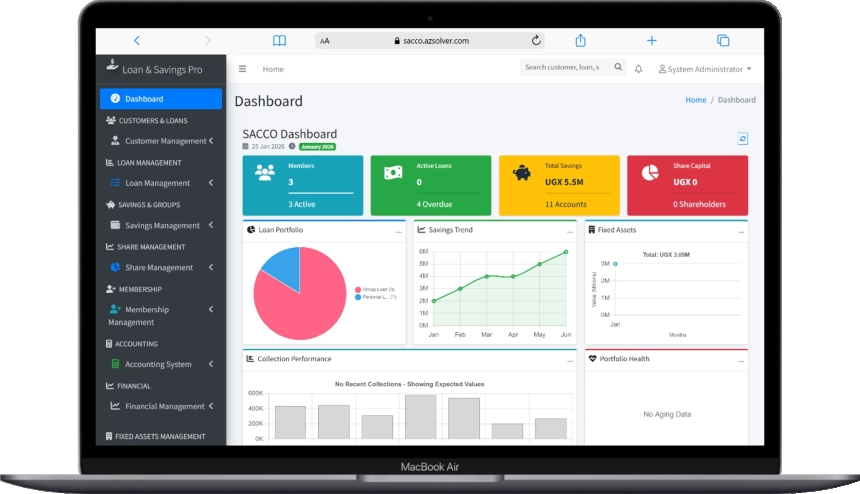
1. Dashboard
The Dashboard serves as the central overview of the system. It typically displays key metrics such as:
- Total customers
- Active loans
- Outstanding balances
- Payments received
- Upcoming due dates
This section helps administrators monitor the institution’s performance at a glance.
CUSTOMERS & LOANS SECTION
2. Customers
This module manages all customer data.
Key features include:
- Registering new customers
- Viewing customer profiles
- Contact information
- Loan history
This section acts as the main database for borrower information.
3. Loans
The Loans section manages all loans issued to customers.
It usually allows users to:
- Create new loans
- Track active, pending, and cleared loans
- View loan details such as principal, interest rate, repayment schedule, and current balance
- Monitor overdue payments
4. Loan Products
Loan Products define the different types of loans your institution offers.
For example:
- Personal loans
- Business loans
- Group loans
Each loan product includes: - Interest rate
- Loan duration
- Penalty settings
- Eligibility rules
This module ensures consistency and standardisation across all loan issuances.
5. Payments
The Payments menu displays all payment transactions recorded in the system.
From your screenshot, each payment shows:
- Payment ID (e.g., PYMT202511246FB0)
- Date of payment
- Customer name
- Loan reference
- Outstanding balance before and after the payment
- Breakdown: Principal + Interest amounts
- Payment method (Cash, Bank Transfer, etc.)
- Quick actions (View, Edit, Delete)
This module is crucial for tracking cash flow and ensuring accurate loan servicing.
SAVINGS & GROUPS SECTION
6. Savings
If your LMS supports microfinance operations, the Savings module allows:
- Managing customer savings accounts
- Recording deposits and withdrawals
- Viewing savings balances
This encourages financial discipline and offers value-added services to customers.
7. Groups
This module is designed for group-based lending models.
It allows you to:
- Create lending groups
- Add members to a group
- Track group loans
- Monitor group repayment performance
Very useful for SACCOs, village saving schemes, and microfinance organisations.
FINANCIAL SECTION
8. Financial
This module handles general financial operations beyond loan repayments.
Features may include:
- Income tracking
- Balancing revenue and expenses
- Monitoring overall financial health
9. Expenses
The Expenses module manages all operational costs within the institution, such as:
- Office expenses
- Salaries
- Utilities
- Loan disbursement costs
These records improve transparency and budgeting.
REPORTS SECTION
10. Reports
The Reports module provides powerful data insights, such as:
- Loan reports
- Customer reports
- Payment reports
- Daily, weekly, and monthly summaries
Reports help management make data-driven decisions.
11. Analytics
Analytics provides visual and statistical insights into your organisation’s performance.
Typical analytics include:
- Loan portfolio growth
- Default rates
- Payment trends
- Active vs closed loans
This section helps monitor KPIs and track long-term performance.
ADMINISTRATION SECTION
12. Administration
The Administration module is used for system configuration and advanced controls, such as:
- User management (admins, officers, tellers)
- Setting permissions and roles
- Changing system settings
- Backup and maintenance
This ensures a secure and organised system usage.
GET THE DEMO HERE: DEMO
Share
What's Your Reaction?
 Like
2
Like
2
 Dislike
0
Dislike
0
 Love
2
Love
2
 Funny
0
Funny
0
 Angry
0
Angry
0
 Sad
1
Sad
1
 Wow
2
Wow
2